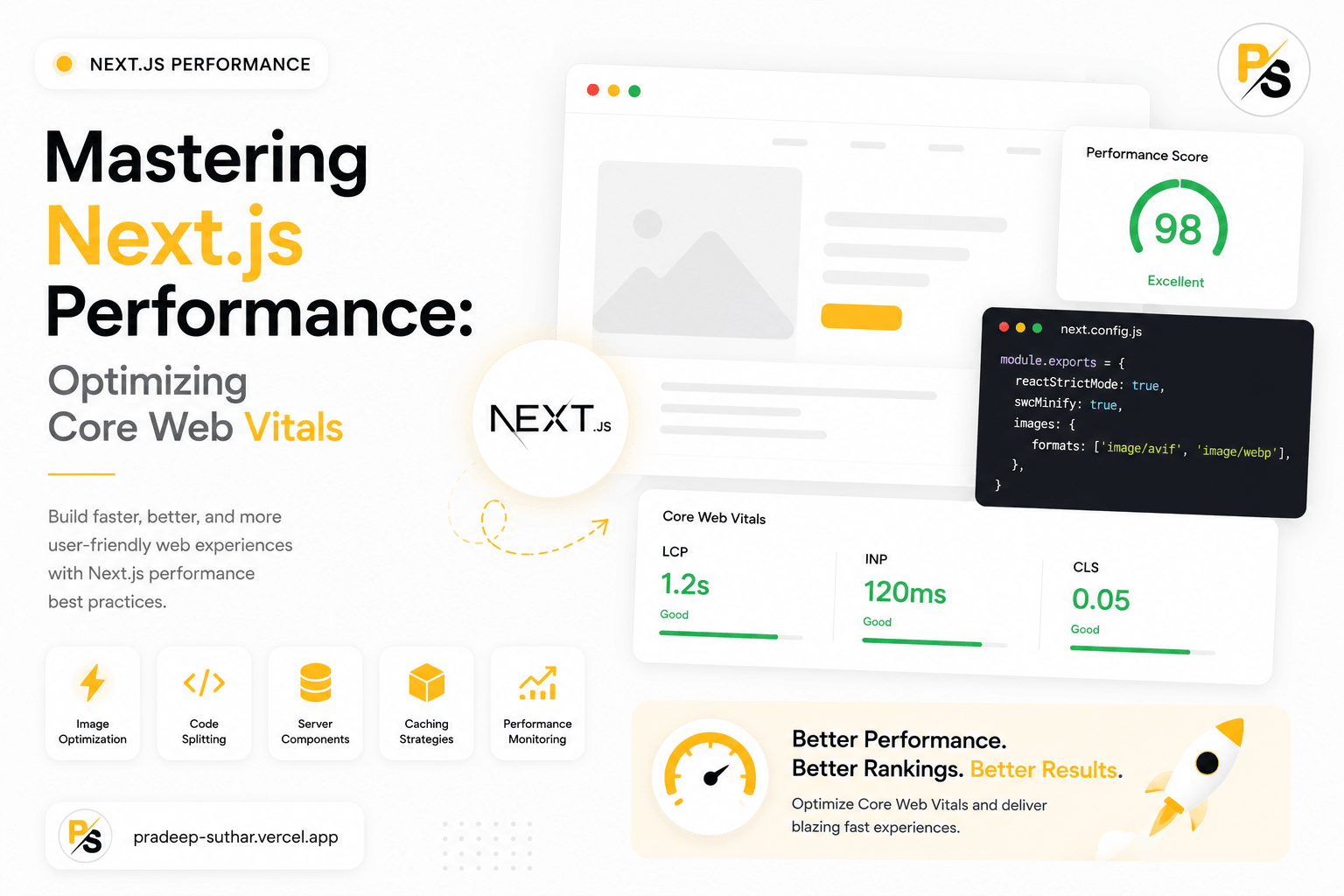
Building a fast web application is crucial for user engagement and SEO rankings. Next.js provides excellent performance optimization tools out-of-the-box, but understanding how to leverage them correctly is key to achieving green Core Web Vitals scores.
1. The Power of Image Optimization
Images often make up the bulk of a webpage's weight. Instead of using standard HTML image tags, Next.js provides the next/image component which handles automatic resizing, modern format conversion (like WebP/AVIF), and lazy loading.
import Image from "next/image";

export default function Hero() {
  return (
    <div className="relative aspect-video w-full">
      <Image
        src="/banner.jpg"
        alt="Performance Banner"
        fill
        priority
        className="object-cover"
      />
    </div>
  );
}
2. Code Splitting & Dynamic Imports
Next.js splits JavaScript files automatically by route. However, you can optimize this further by dynamically importing heavy components that are not immediately required on the initial load (such as modals, charts, or editors).
import dynamic from "next/dynamic";

const HeavyChart = dynamic(() => import("../components/HeavyChart"), {
  ssr: false,
  loading: () => <p>Loading chart...</p>,
});
3. Static Site Generation (SSG) vs Server-Side Rendering (SSR)
Whenever possible, default to static pages using getStaticProps rather than running database queries on every click with getServerSideProps. By pre-building routes at build-time, you achieve sub-100ms loading speeds. For content that changes regularly, configure Incremental Static Regeneration (ISR) like this:
- Use
fallback: "blocking"to generate new slugs on-the-fly. - Specify
revalidate: 60to rebuild pages in the background every minute. - This delivers static load speeds without stale content.
Conclusion
By optimizing images, leveraging dynamic imports, and using static site builds with ISR caching, you can guarantee a premium experience that keeps users engaged and ranks high on Google.